

Your profile and computers
Choose your name at the bottom of the sidebar to open User profile.
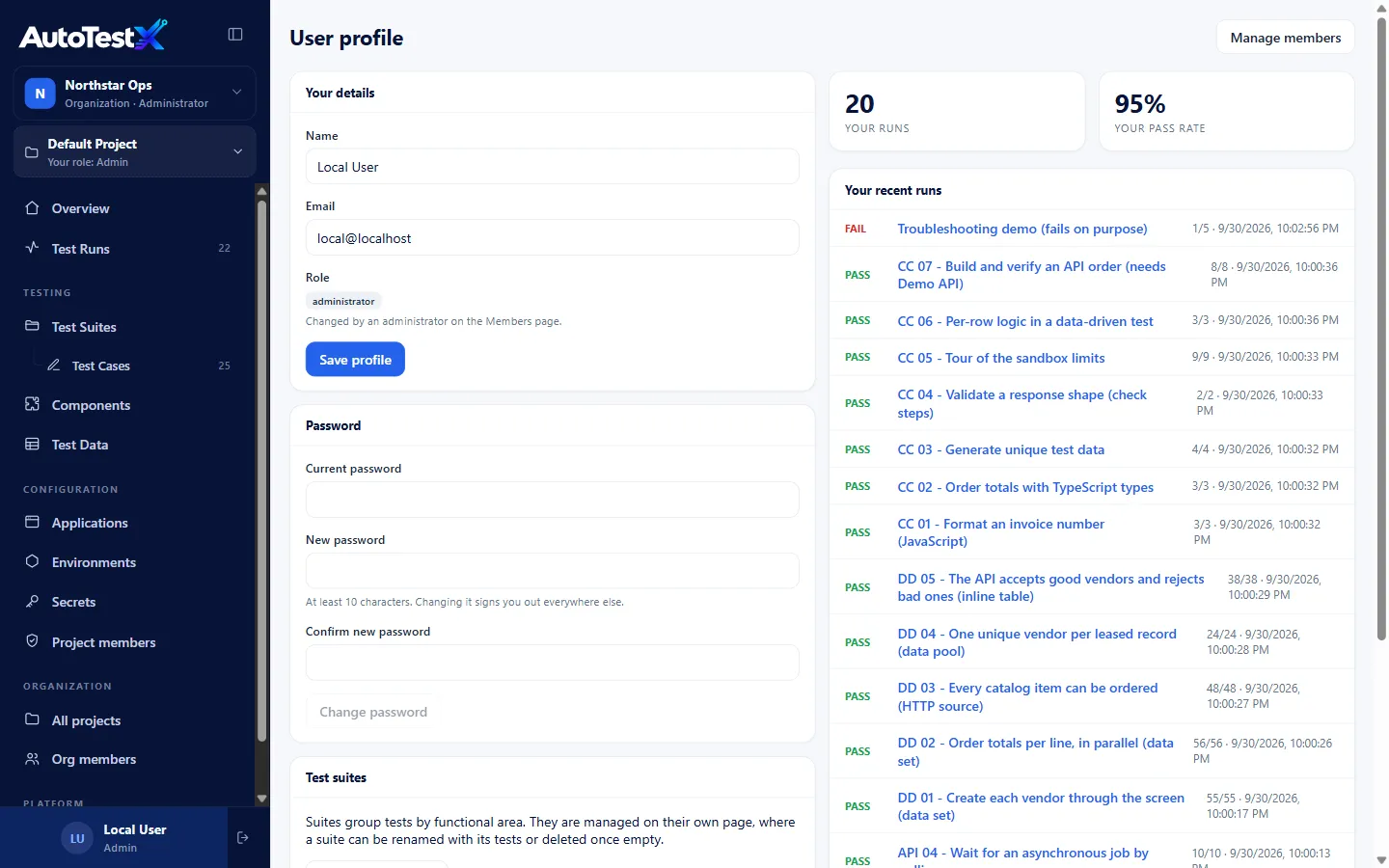
Your details
Section titled “Your details”Your name, email and platform role. Edit your name and email, then Save profile. Your role is changed by an administrator on the Members page.
Password
Section titled “Password”Enter your Current password and a New password (at least 10 characters) twice, then Change password. Changing it signs you out everywhere else.
Forgotten your password? Sign out and use Forgot password? on the sign-in page.
Your runs
Section titled “Your runs”How many runs you have started, your pass rate, and Your recent runs. Choose a run to open its report.
Your computers
Section titled “Your computers”When AutoTestX opens browsers through the AutoTestX Agent, this card lists the computers you have paired, with their host names. Disconnect revokes one. That computer’s agent can no longer open browsers for your account until it is paired again.
The card appears only when the server uses the agent (a hosted installation).