

First sign-in
A new installation has one administrator account, local@localhost, with no
password yet. Nobody can sign in with it until a password is set. You set it with the
normal Forgot password flow. Without an email service, the reset link is printed in
the server console, so only whoever runs the server can claim the administrator
account.
Claim the administrator account
Section titled “Claim the administrator account”-
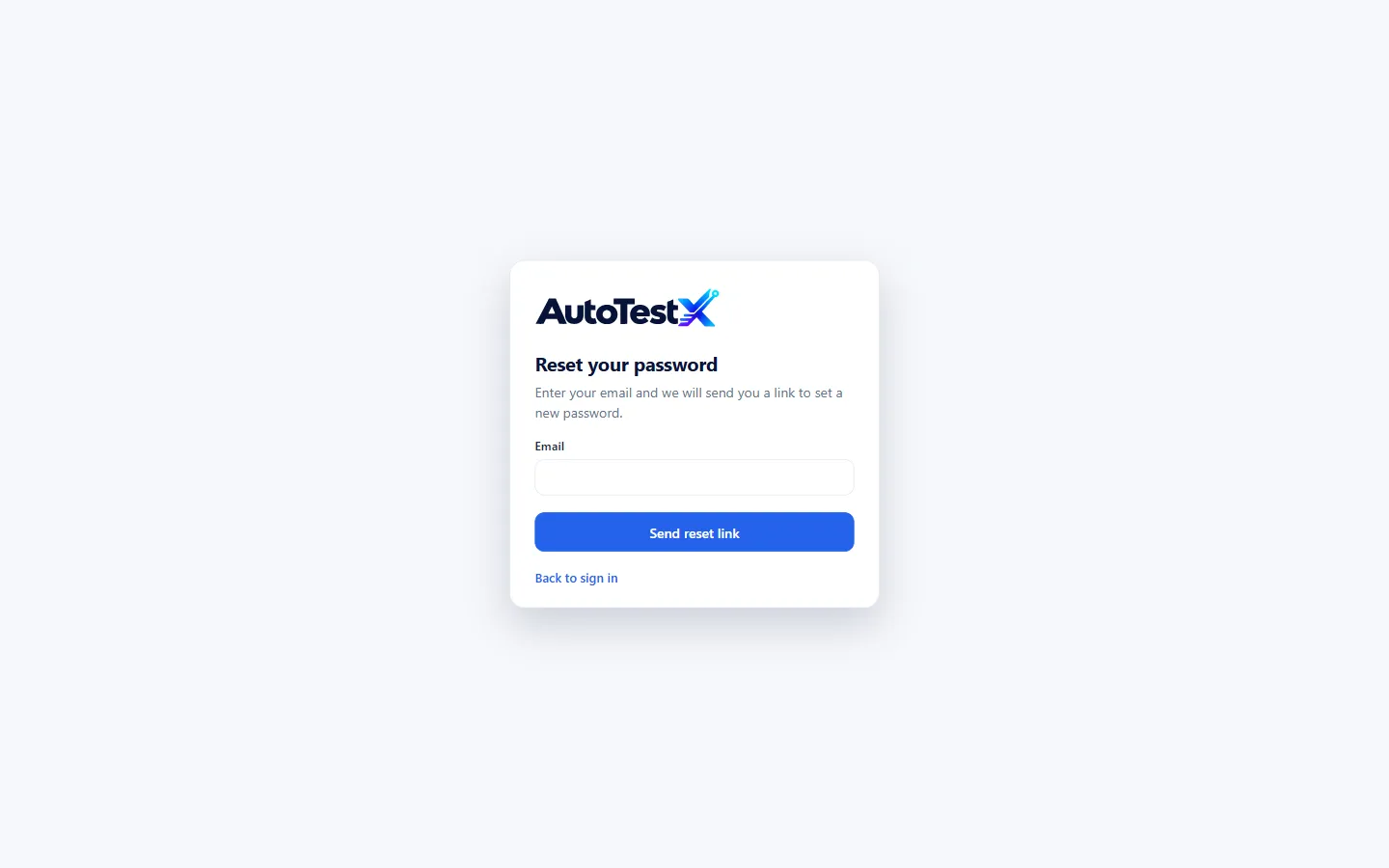
On the sign-in page, choose Forgot password?
-
Enter
local@localhostand choose Send reset link. The page confirms: “On this installation the link is printed in the server console.” -
Look at the terminal running
npm start. You will see a box like this:┌─ password reset ───────────────────────────────────────────│ for Local User <local@localhost>│ link http://127.0.0.1:4100/#/reset?token=…│ valid for 30 minutes, once└────────────────────────────────────────────────────────────On a Linux server installed with the deployment scripts, the console is the system journal:
sudo journalctl -u autotestx -n 50. -
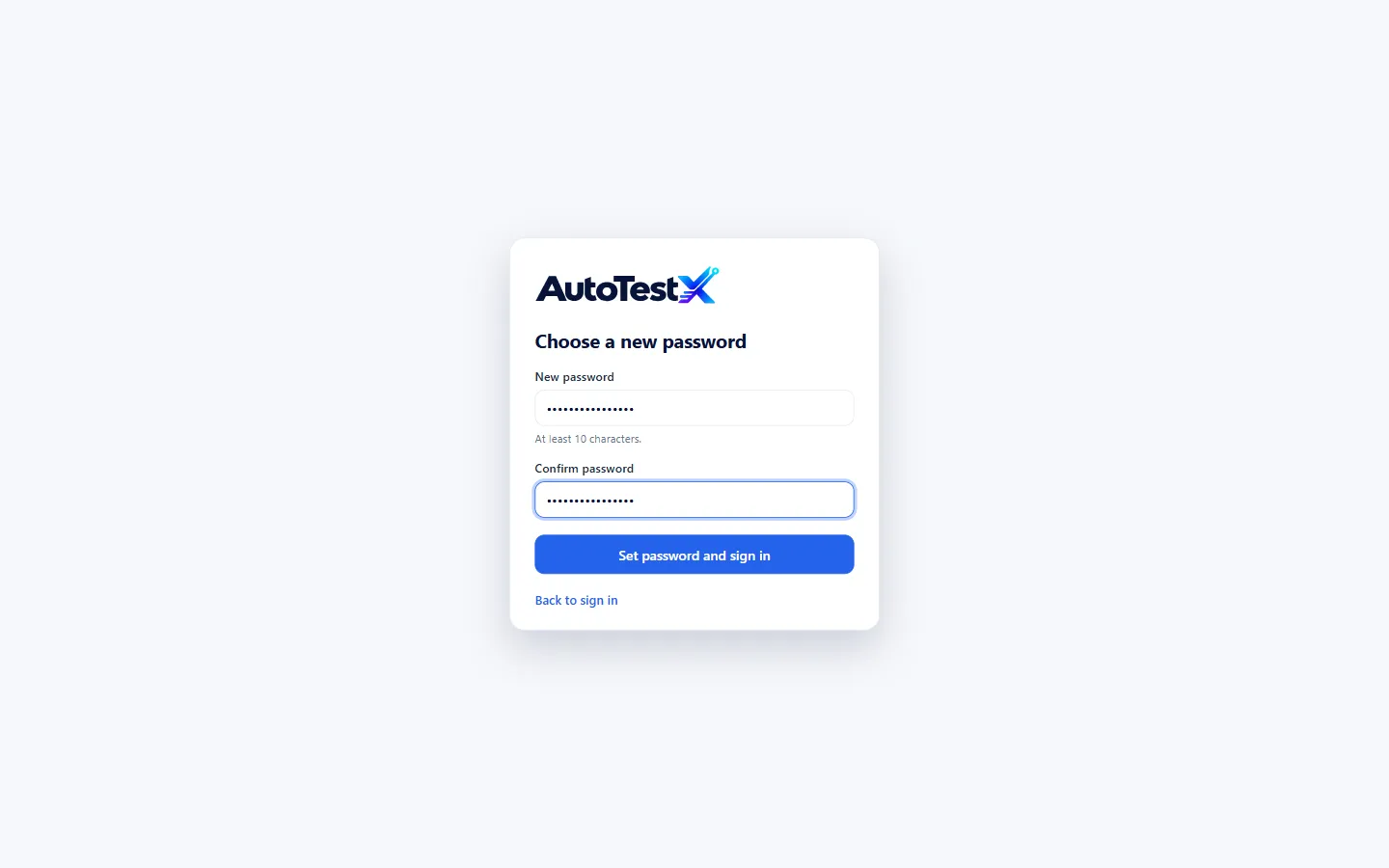
Open the link, then enter and confirm a new password (at least 10 characters). Choose Set password and sign in.
You are now signed in as Local User: organization administrator of Northstar Ops and Admin of its Default Project.
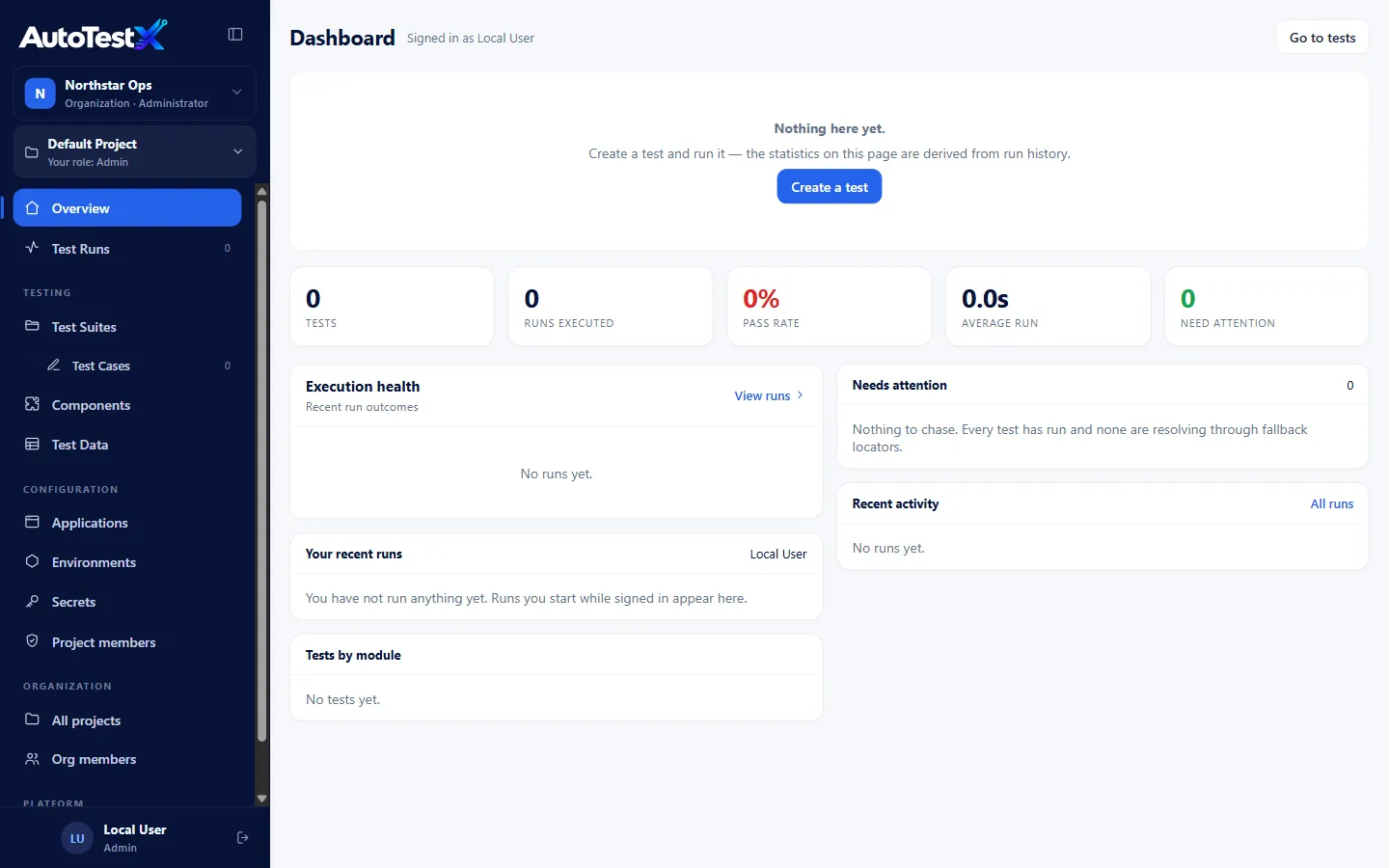
Tip: change the name and email of this account under Accounts → Edit, so reports show a real person.
Add other people
Section titled “Add other people”There are three ways for people to get an account.
Invite them into the organization (recommended). Go to Org members → Invite. Enter their email and name, choose an organization role (Member or Administrator), and optionally a project and a project role. This creates the account and gives access in one step. They then go to the sign-in page, choose Forgot password?, and set their own password through the reset link. Without a mail service, you (the person running the server) forward the link from the console.
Add a sign-in account only. Accounts → + Add member creates an account with a platform role. That role only controls who may manage sign-in accounts. It gives no access to any project. Use this when you will assign project roles separately.
They register themselves. The sign-in page has Create an account. A self-registered person is always a normal member, never an administrator. An email that already belongs to a member cannot be registered again; that person uses Forgot password instead.
Note for administrators: self-registration is currently open to anyone who can reach the server. The policy lives in
selfRegistration()inpackages/server/src/auth-routes.ts. Change it there to allow only invited people or one email domain before you expose the server to the internet.
New people do not see any project until someone gives them a role in one. See People, roles and permissions.
Sign-in rules
Section titled “Sign-in rules”| Rule | Value |
|---|---|
| Minimum password length | 10 characters |
| Failed attempts before lock-out | 5 within 15 minutes |
| Lock-out duration | 15 minutes (or reset the password) |
| Session lifetime | 7 days, or 12 hours without activity |
| Reset link validity | 30 minutes, single use |
| Changing your password | signs you out everywhere else |