

Applications
An application is a system under test, such as Maximo or Customer portal. Environments link to it to say where each copy of it runs.
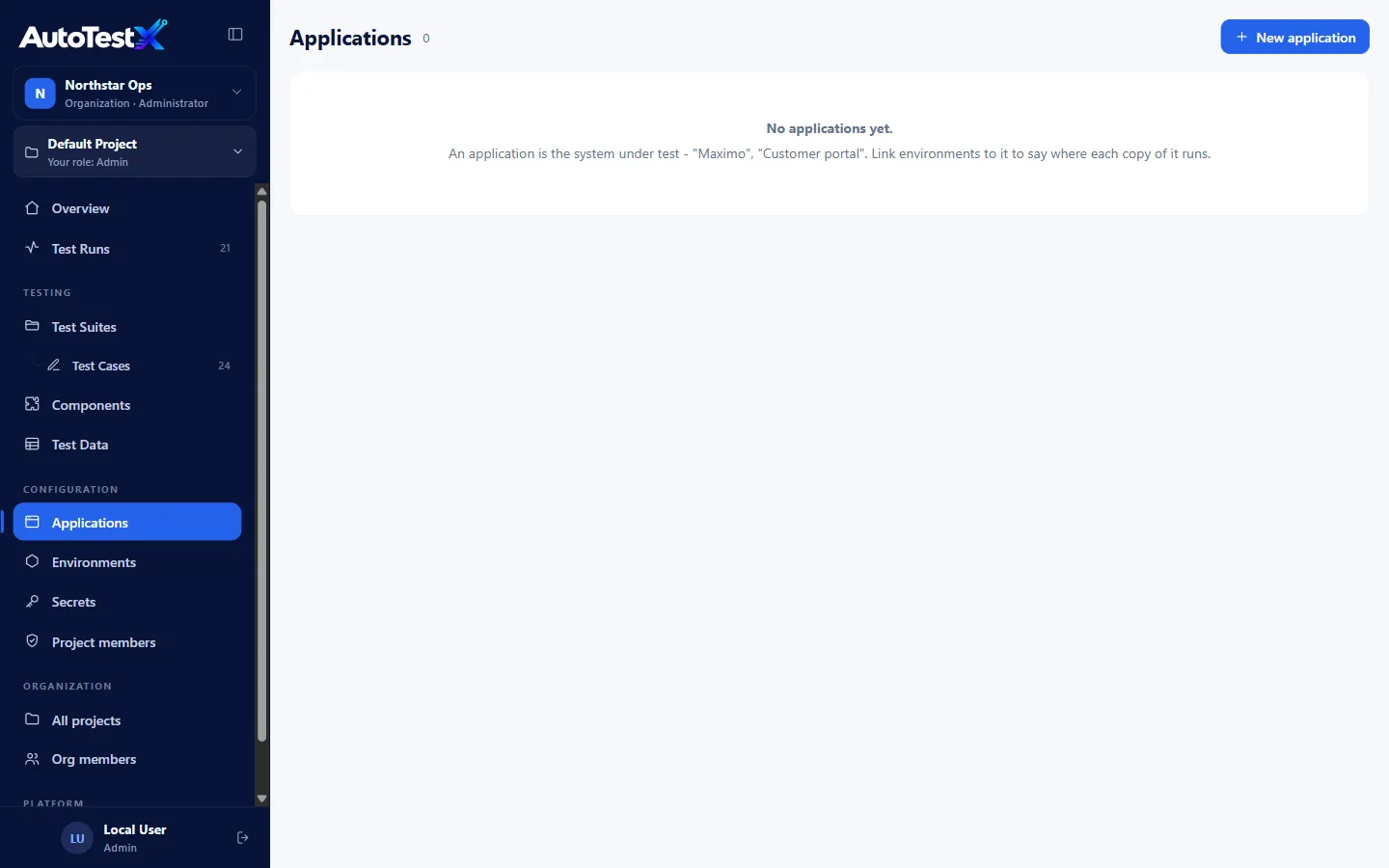
You need the Manage applications permission (Test Manager and Admin).
Creating an application
Section titled “Creating an application”Applications → New application:
| Field | Options |
|---|---|
| Application name | e.g. Maximo UAT (up to 80 characters) |
| Application type | Web, Android, iOS |
| Browser | Web only: Chrome / Edge (Chromium), Firefox, Safari (WebKit) |
| Description | Free text |
Base URLs and credentials do not belong to the application. They belong to environments. Link an environment to the application in the environment’s Application field.
Why use applications
Section titled “Why use applications”- Several environments (UAT, Staging, Training) can be grouped under one application.
- It records the intended browser and platform for the system.
Applications are optional. Tests and environments work without them.
Note: test runs currently use Chromium. The Android and iOS engines are part of the format and capability matrix, but are not implemented yet.