

AutoTestX documentation
AutoTestX is a test automation platform for web applications. You build a test from steps in a visual editor (or record it in a real browser, or describe it in plain English), run it against an environment, and read a step-by-step report with screenshots. The same tests run from the command line in CI.
Where to start
Section titled “Where to start”| If you are… | Read |
|---|---|
| New to AutoTestX | Installation → First sign-in → Your first test in 10 minutes |
| Unsure what a project, environment or suite is | Key concepts |
| Writing tests every day | The test editor and the step reference |
| Running tests in CI | Command line (atx) |
| Running the server for a team | Deployment and Configuration |
| Stuck | Troubleshooting |
Contents
Section titled “Contents”1. Getting started
Section titled “1. Getting started”- Installation — install, build and start the server
- First sign-in — claim the administrator account, add people
- Your first test in 10 minutes — a tutorial against the bundled demo application
- Key concepts — organizations, projects, environments, tests, runs
2. User guide
Section titled “2. User guide”- Navigating the app — the sidebar, switching organization and project
- Dashboard — health, trends and what needs attention
- Test cases — list, create, duplicate, share, Draft / Ready / Deprecated
- The test editor — steps, properties, targets, test settings, Script and DSL views
- Recording and picking elements — record a flow in a real browser; pick one element
- Write with AI — turn plain-language instructions into steps
- Running tests and reading reports — Run, Watch, live results, run reports
- Test suites — group tests by functional area
- Components — reusable, versioned step sequences (Login, Add line…)
- Environments and secrets — where a test runs and with which credentials
- Applications — the systems under test
- Test data — data sets (CSV / Excel) and data pools
- Data-driven testing — run one test once per row
- API testing — HTTP request and Poll API steps
- Custom code — sandboxed JavaScript / TypeScript steps
- People, roles and permissions — organizations, projects, members, the five roles
- Your profile and computers — password, recent runs, paired computers
3. Reference
Section titled “3. Reference”- Step reference — every step type and every parameter
- Expressions and variables —
{{…}}, scopes, operators, functions - Error handling — timeouts, retries, on-error, soft assertions, cleanup
- Element targets — locator strategies, fallbacks, scopes, degraded resolution
- Test file format (DSL) — the JSON every test is stored as
- Command line (
atx) — validate, migrate, run - REST API — every endpoint
- Configuration — every environment variable
- Glossary
4. Administration
Section titled “4. Administration”- Deployment — production server on Linux (AWS Lightsail scripts included)
- The AutoTestX Agent — local browsers for Record, Pick and Watch in a hosted setup
- Data, backup and seeding — what is stored where
- Troubleshooting — common problems and their fixes
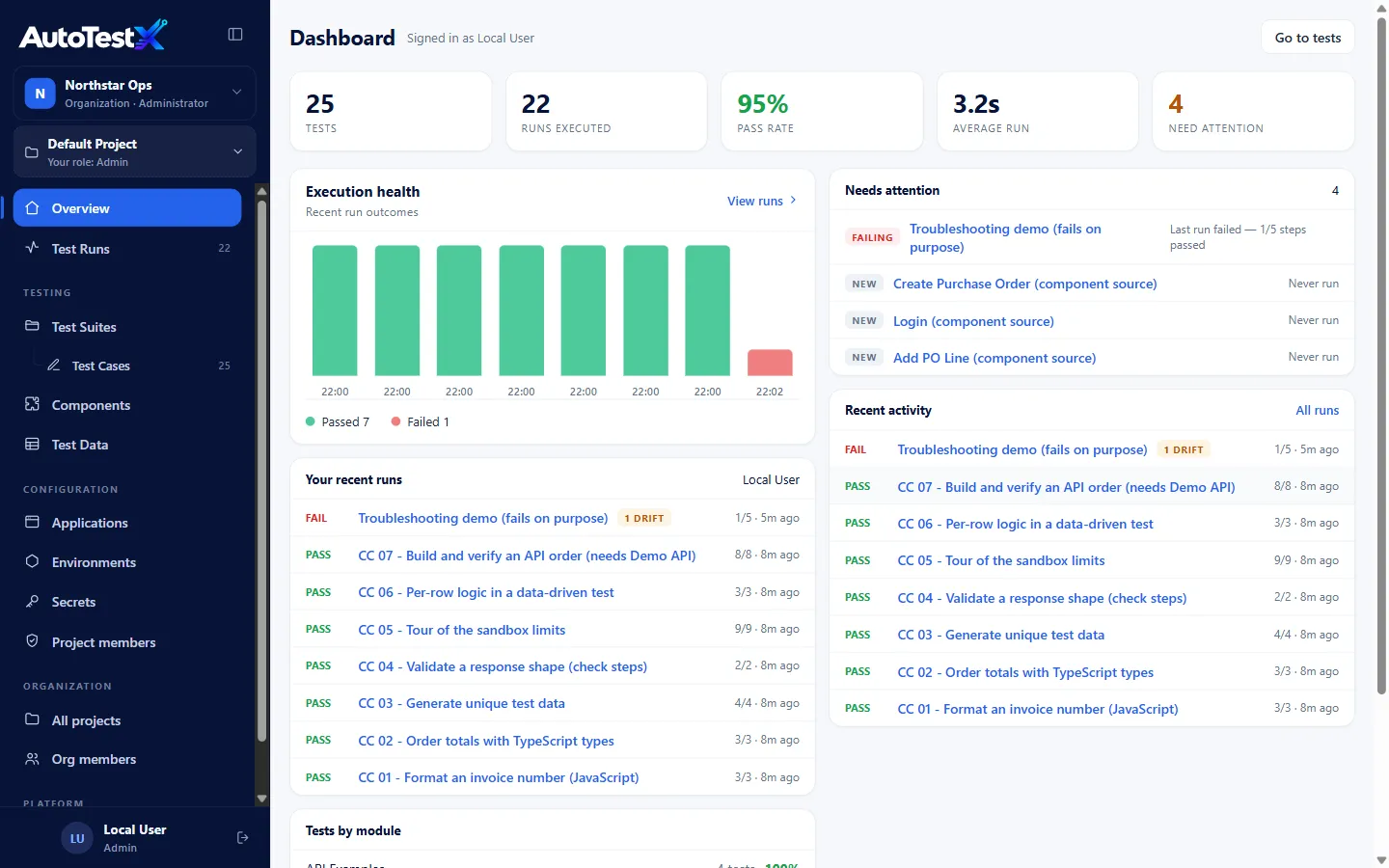
These pages describe AutoTestX 0.1.0 (DSL version 1.8.0). Screenshots were taken from a local installation seeded with the bundled examples.